For studio photographers
Spotless backdrops.
Your subject, untouched.
Drop your photos into Dropbox. PhotoCleaner clears scuffs, footprints, dust and stray props from the paper backdrop and floor, and hands every photo back at full resolution – same file type, same metadata, same colour profile.
Invite-only. PhotoCleaner sees only its own folder: Dropbox › Apps › AutoPhotoCleaner.
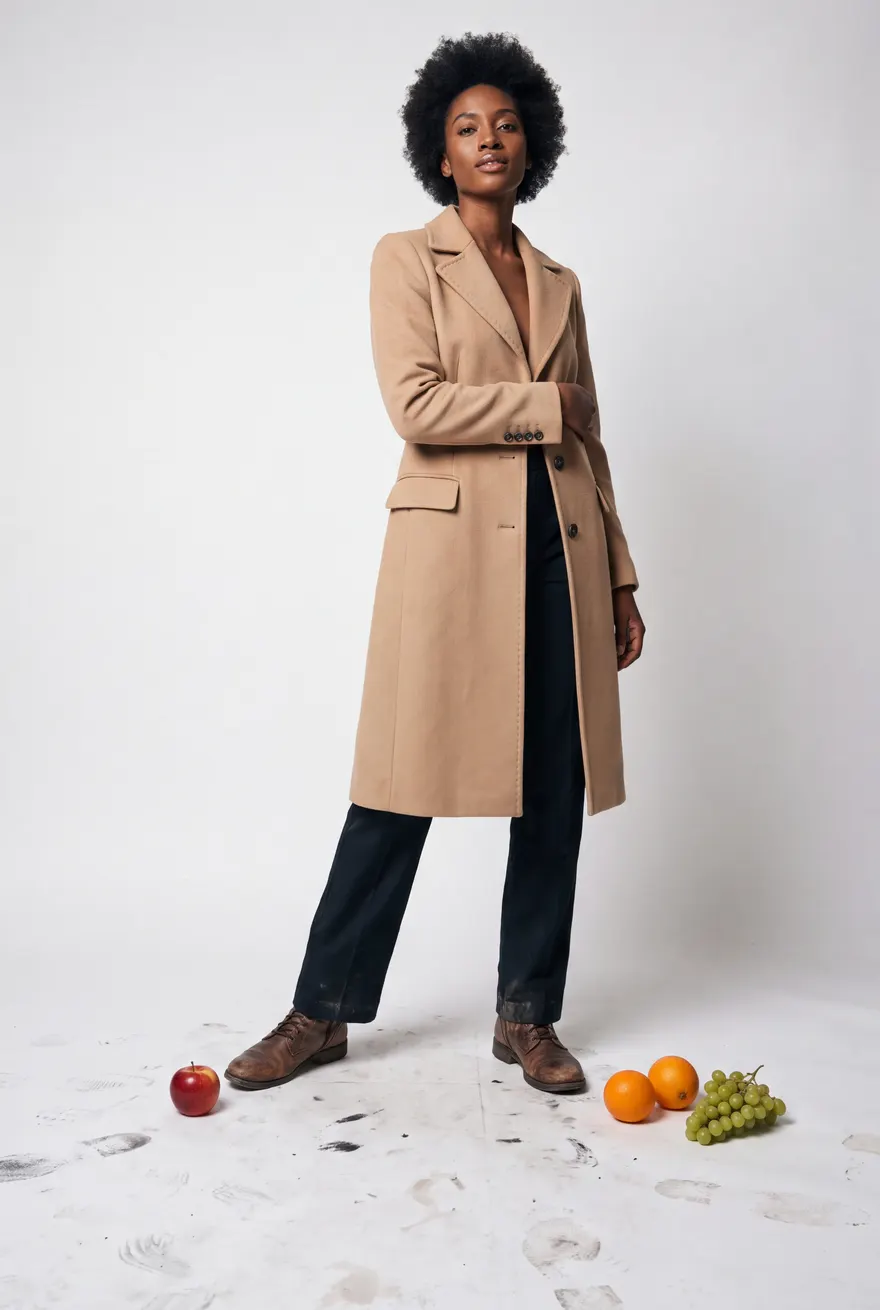
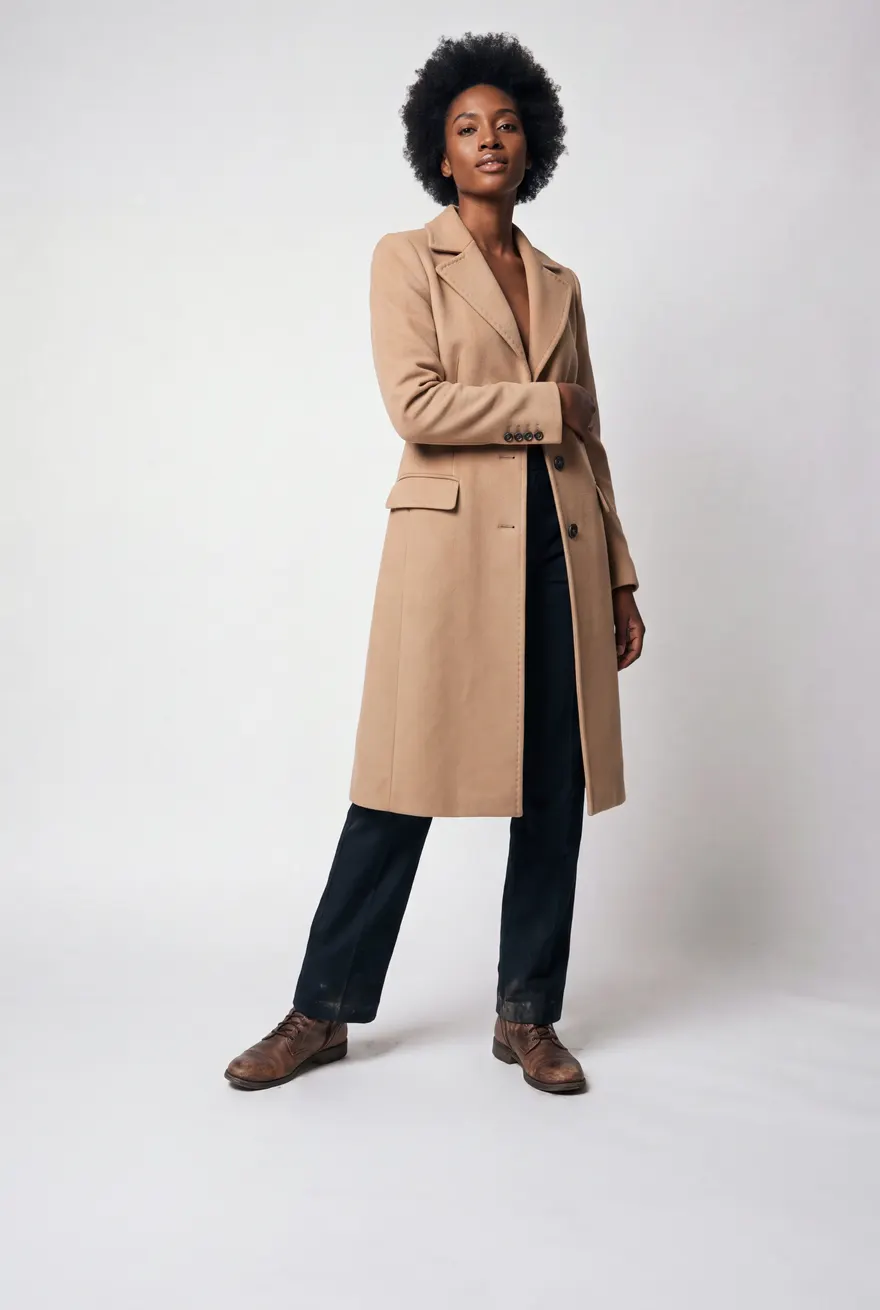
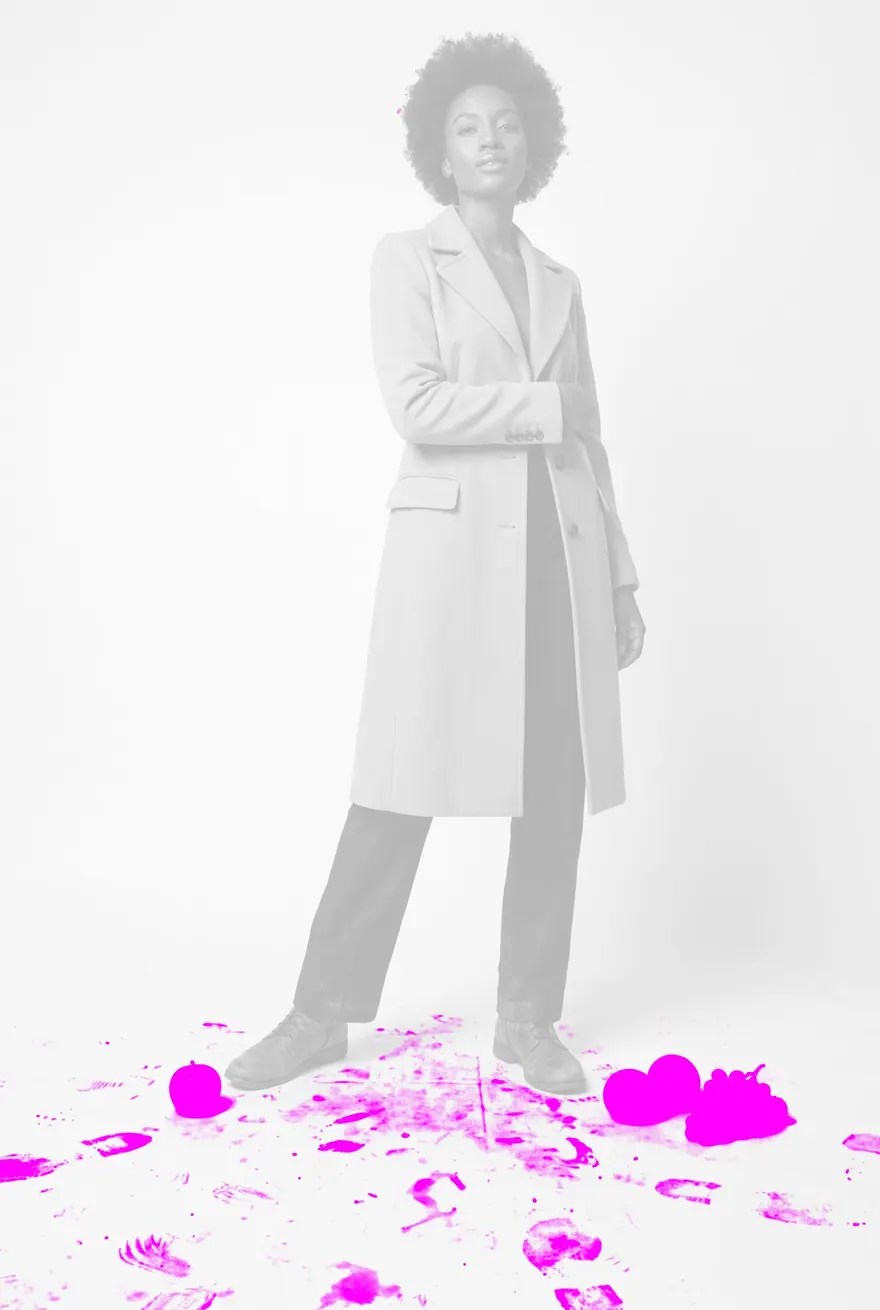 BeforeAfter
How it works
- Drop photos in. Put them in Dropbox › Apps › AutoPhotoCleaner, or upload them on the website.
- PhotoCleaner cleans them. Each photo runs through your default recipe – about a minute per photo.
- Collect the results. A dated batch folder appears with
edited,originalsand, if a photo could not be cleaned,failedwith the reason. You get an email when the batch is done.
Two kinds of recipe
Clean backdrop
White or light-grey paper and floor: scuffs, footprints, dust and anything lying on the floor. The person, their clothes and the lighting stay as shot.
Dust and blemishes
Sensor dust, small skin blemishes and stray hairs, fixed spot by spot at native resolution. Everything else is left alone.
JPG · PNG · TIFF 8/16-bit · HEIC · WEBP · BMP – RAW files: export a JPG or TIFF first.